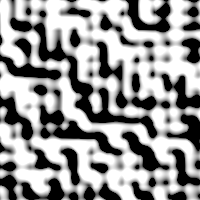
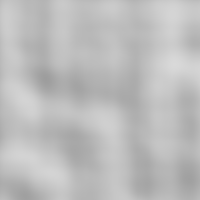
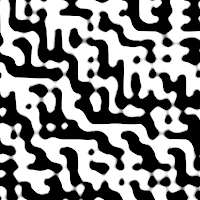
This filter generates a noise texture using the Perlin Noise algorithm. Results don't depend on the image you opened.
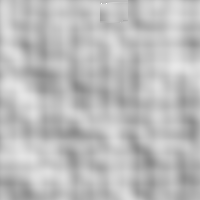
Filter applied with default options: Alpha=1.200 Scale=1.800 Z offset=-1.000 Iterations=3
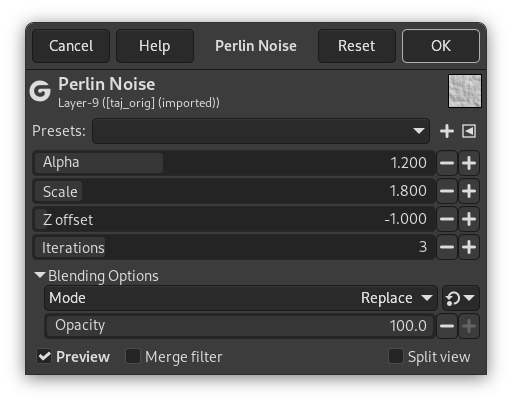
- Presets, Input Type, Clipping, Blending Options, Preview, Merge filter, Split view
- Alpha
-
Low values give sharper noise
- Scale
-
Scale of the noise function: works like a zoom.
- Z offset
-
Vary noise.
- Iterations
-
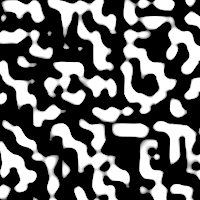
The number of noise octaves.
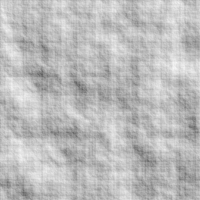
Iterations = 7
![[]](images/note.png)