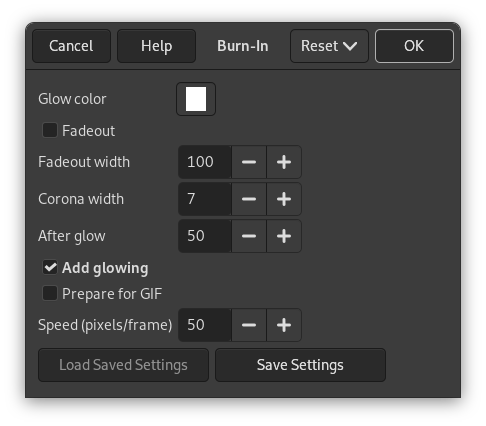
Figur 17.435. Example for the «Burn-In» filter: original image

Opaque background layer and foreground layer with transparency
Figur 17.436. Example for the «Burn-In» filter: filter applied
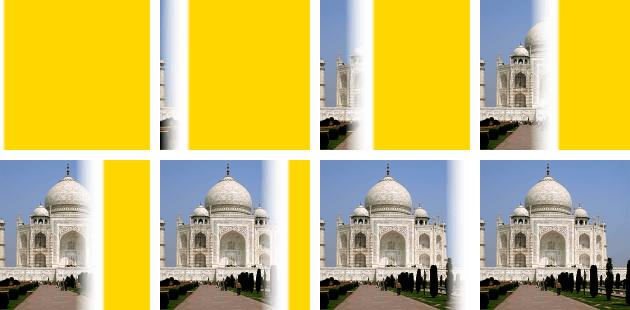
Resulting image with 8 frames (depending on size and speed)
![[Notat]](images/note.png)
|
Notat |
|---|---|
|
It is available if your image holds an Alpha channel (see Seksjon 7.36, «Add Alpha Channel»). Otherwise, it is disabled. |