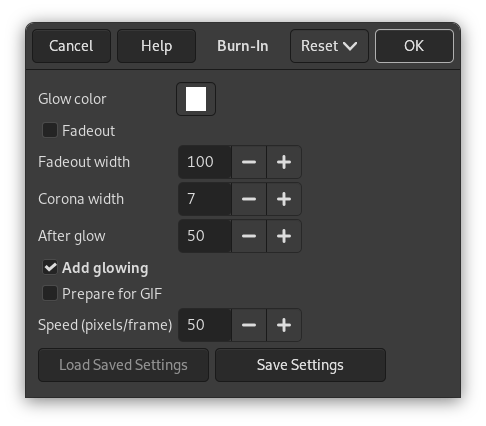
Opaque background layer and foreground layer with transparency
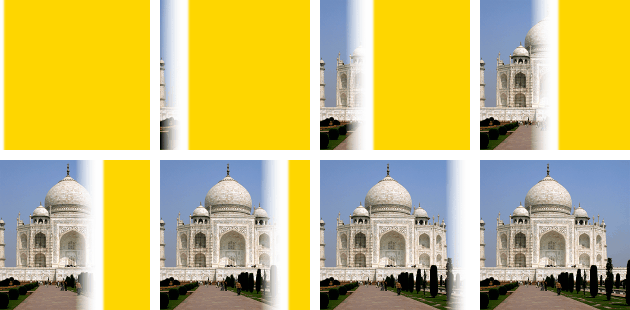
Resulting image with 8 frames (depending on size and speed)
It is available if your image holds an Alpha channel (see ). Otherwise, it is disabled.
This filter is found in the main menu under Filters → Animation → Burn-In….

![[]](images/note.png)