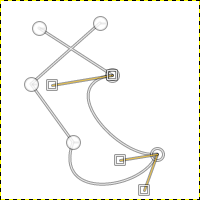
This function fills all areas delimited by the selected paths.
This command is only enabled when at least one path is selected.
You can access this command from the main menu through
→ .
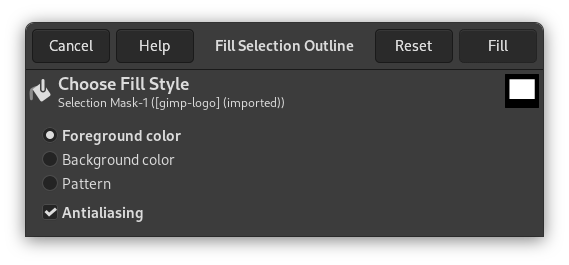
This command brings up a dialog window:
-
Foreground color
-
The foreground color of the toolbox is used.
-
Background color
-
The background color of the toolbox is used.
-
Pattern
-
The active pattern of the toolbox is used.
-
Antialiasing
-
This option is checked by default.