This filter generates a noise texture using the Simplex Noise algorithm. Results don't depend on the image you opened
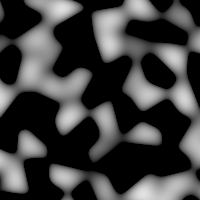
Filter applied
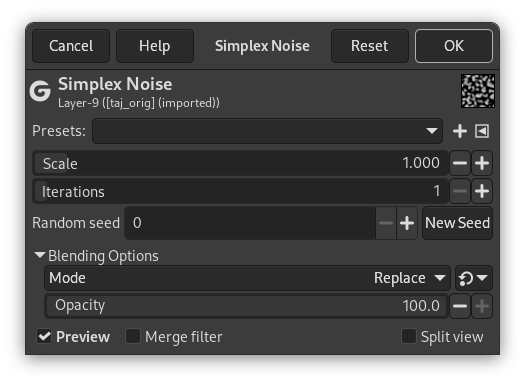
- Presets, Input Type, Clipping, Blending Options, Preview, Merge filter, Split view
- Scale
-
Scale of the noise function: works like a zoom.
- Iterations
-
The number of noise octaves.
- Random seed, New Seed
-
This option controls the randomness of the filter. The Random seed box lets you manually enter a seed for the randomization algorithm used. You can also generate a random seed by pressing the button. If the same random seed is used in the same situation, the filter produces exactly the same results. A different random seed produces different results.
![[]](images/note.png)


