This command removes the holes of a selection. Holes are unselected or partially selected areas in the selection.
You can access this command from the main menu through Select → Remove Holes.
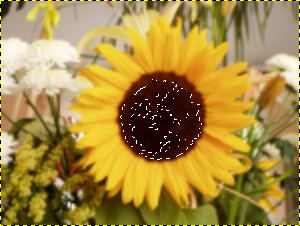
Selection using the Fuzzy Select tool.
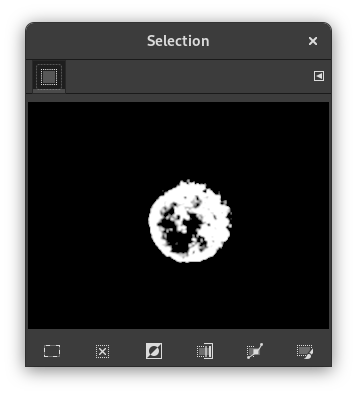
The Selection Editor shows several holes.
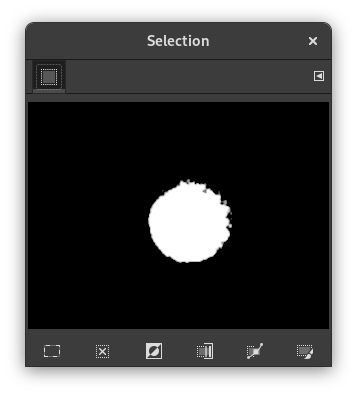
Remove Holes applied.
Holes disappeared.