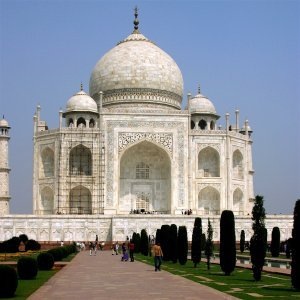
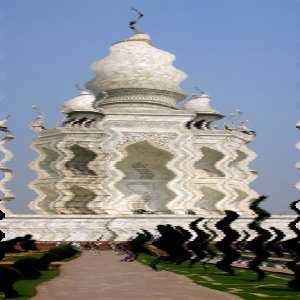
It displaces the pixels of the active layer or selection to waves or ripples reminding a reflection on disturbed water.
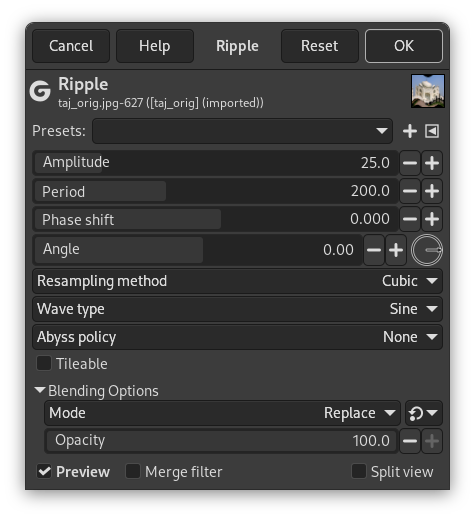
- Presets, Input Type, Clipping, Blending Options, Preview, Merge filter, Split view
- Original images for examples
-

Original image
Filter applied
- Amplitude
-
It is related to wave height (0-200 pixels).
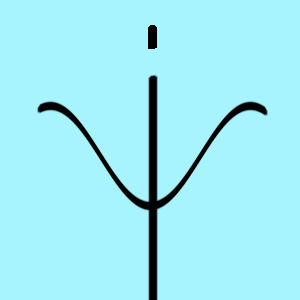
Amplitude = 25
- Period
-
It is related to wavelength (0-200 pixels)
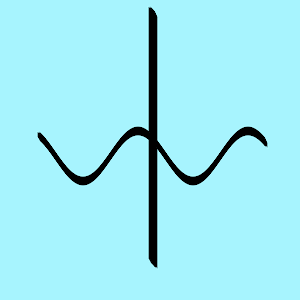
Period = 110
- Phase shift
-
Wave is moved
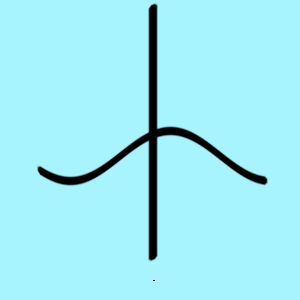
Phase shift = 0.400
- Angle
-
Warps wave
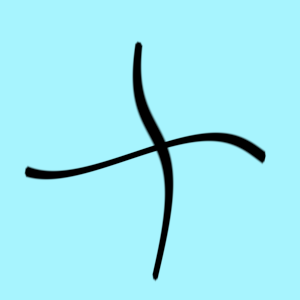
Angle = -40°
- Resampling method
-
These interpolation methods are described in Interpolation.
- Wave type
-
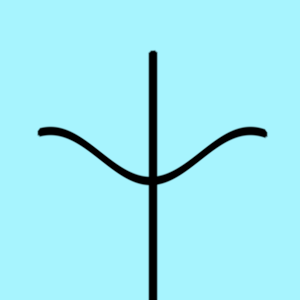
Choose how the wave should look like:
-
Sawtooth
-
Triangle
-
Sine
-
- Abyss policy
-
Because ripples cause pixel displacement, some pixels may be missing on the image sides:
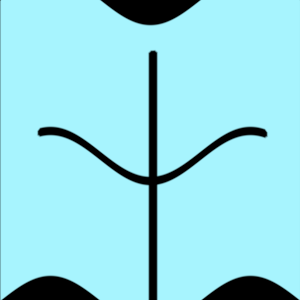
Abyss policy = Black
Abyss policy (border management) is treated with Abyss policy.
- Tileable
-
This preserves the seamless properties if your image is a tile pattern.
![[]](images/note.png)


