
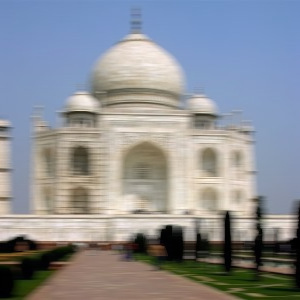
This filter creates a linear blur in a direction determined by the Angle option. The default direction is horizontal to the right (0.000 degree).
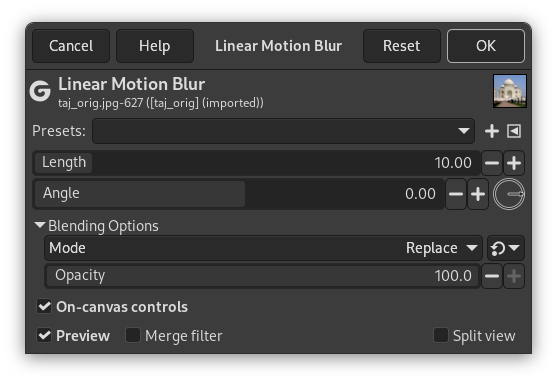
- Presets, Input Type, Clipping, Blending Options, Preview, Merge filter, Split view
- Length
-
In this case, Length represents the blur intensity. More Length will result in more blurring.
- Angle
-
Angle describes the direction of the movement. Thus, a setting of 90 will produce a vertical blur, and a setting of 0 will produce a horizontal blur.
- On-canvas controls
-
This option (default) allows you to modify blur settings directly on canvas, for easier visual tweaking of blur settings. It displays a line with handle on both ends to vary direction and transform.
Press Ctrl key to change direction by 15° steps.
![[]](images/note.png)


